Blog

New Ortus Quick API Docs Explorer

Luis Majano February 16, 2017

Spread the word

Luis Majano

February 16, 2017

Spread the word


Share your thoughts

We are excited to announce an update to our quick docs API module. You can find our new UI and new API docs collections in the same address apidocs.coldbox.org. However, we will be migrating them to the Ortus Solutions website in the coming weeks. The update includes lots of visual and searching improvements for any API documentation created by DocBox, our API documentation library.

Try it out!

API Selector Improvements

You can now see that you can select any API not only from ColdBox but for any Ortus Solutions product as well.

UI Search Improvements

The entire UI has been updated to our new consistent look and of course using ColdBox Elixir for asset pipeline and management. Autocomplete has been improved with some nicely needed caching.

Bigger Viewer

We have also improved the viewport of the embedded API visualizer as well so you can get a nicer look and feel of the API documentation.

Add Your Comment

Recent Entries

Assert Like You Mean It, TestBox 7.1 Part 3: Data Navigator

Assert Like You Mean It, TestBox 7.1 Part 3: Data Navigator

Almost every application eventually tests a nested piece of data: an API response, a JSON config file, a serialized object, module metadata. The data is a struct that contains an array that contains structs that contain more structs, and the thing you actually care about is one value buried at the bottom.

This post has two halves. First we look at BoxLang's Data Navigator, the language feature that makes nested data pleasant to work with. Then we look at the six TestBox 7.1 expectations built on top of it. If you have never used dataNavigate(), start at the top. If you already know it, skip to The six expectations.

Luis Majano
Luis Majano
September 29, 2026
try.boxlang.io Now Runs Every BoxLang Version, With or Without CFML

try.boxlang.io Now Runs Every BoxLang Version, With or Without CFML

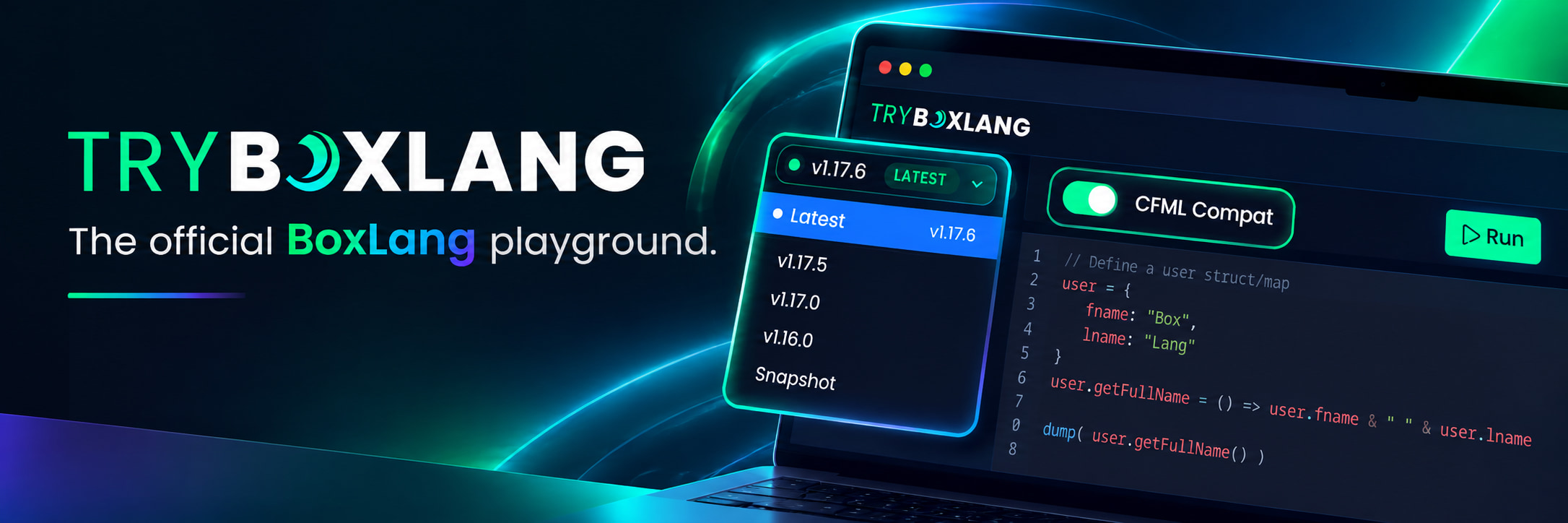
The BoxLang playground at try.boxlang.io just got a major upgrade. You can now choose any released version of BoxLang and toggle CFML Compat mode on or off, right from the editor toolbar. No installs, no Docker images, no servers. Open a browser, write code, hit Run.

And the best part? The whole thing is powered by BoxLang Serverless on AWS Lambda, built and deployed from a single repository. Keep reading, because if you have ever wondered what BoxLang can do in the cloud, this is your answer. ☁️

Luis Majano
Luis Majano
September 28, 2026